The island
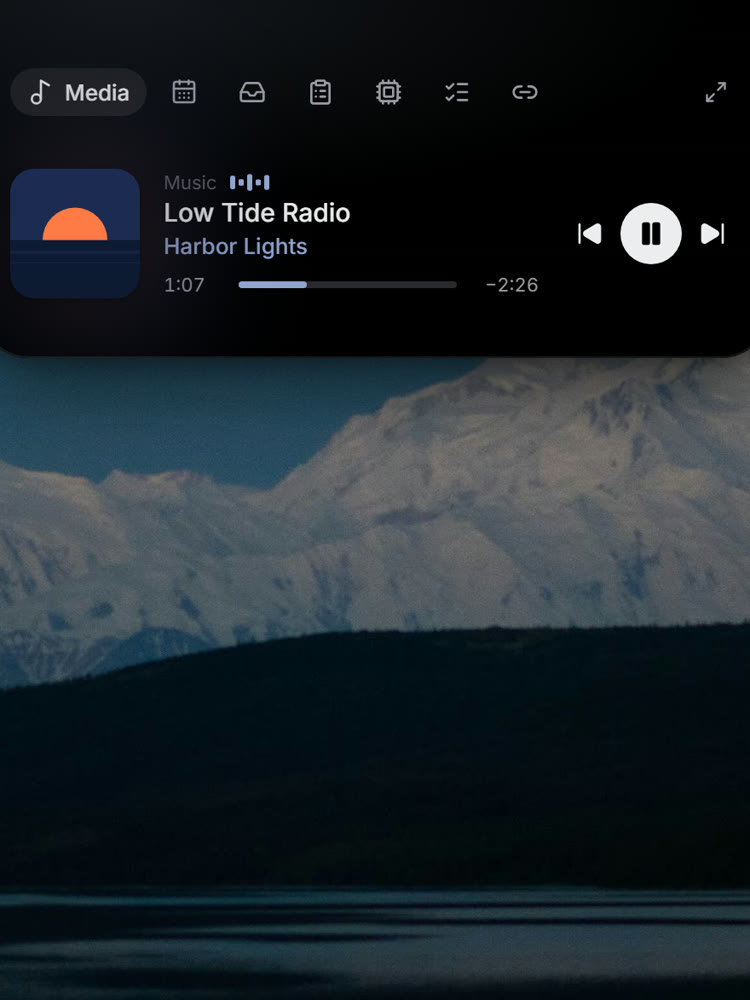
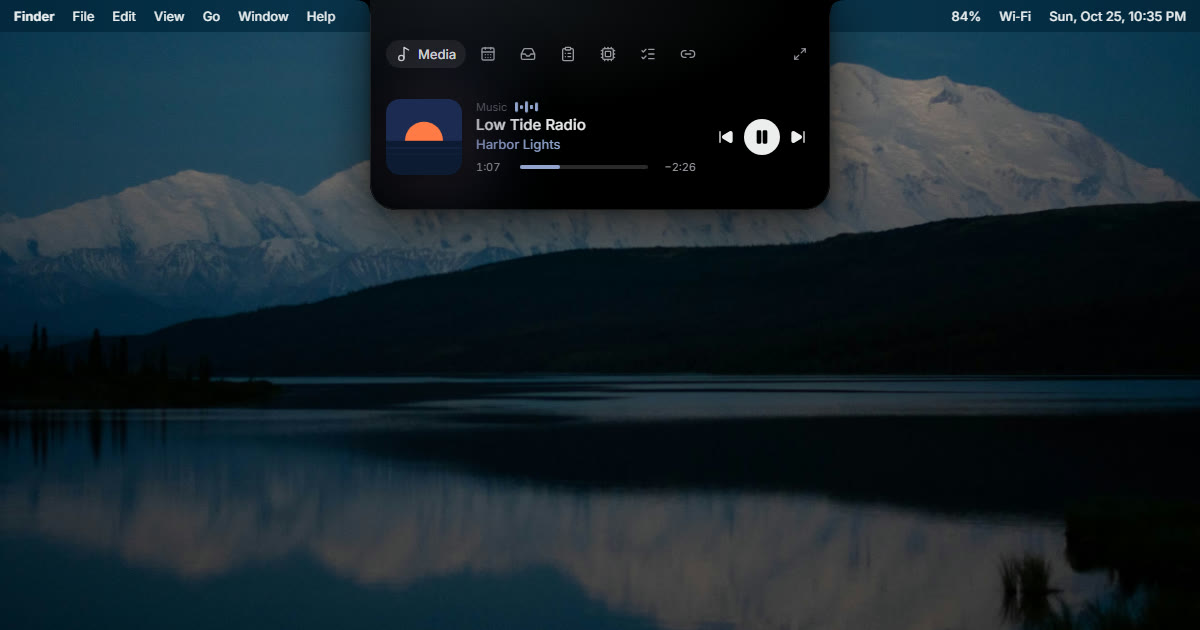
- A new song slides down with its artwork
- Volume and brightness as a bar, not a box
- A countdown to your next meeting, with Join
- Charger and AirPods battery at a glance
- Swipe on the trackpad to skip or open
One control center for your Mac and your PC, living in the black space at the top of the screen.
NT$290NT$490
Early-bird price for the first 3 months. Pay once, about US$9.
LINE Pay · Apple Pay · Google Pay · Card · ATM transfer · Convenience store
At rest it is a black shape around the camera, showing the time or the song. Point at it and a card drops down: what’s playing, your next meeting, the files you parked. Click, or press ⌥ Space, and the whole panel opens. Move away and it folds back.
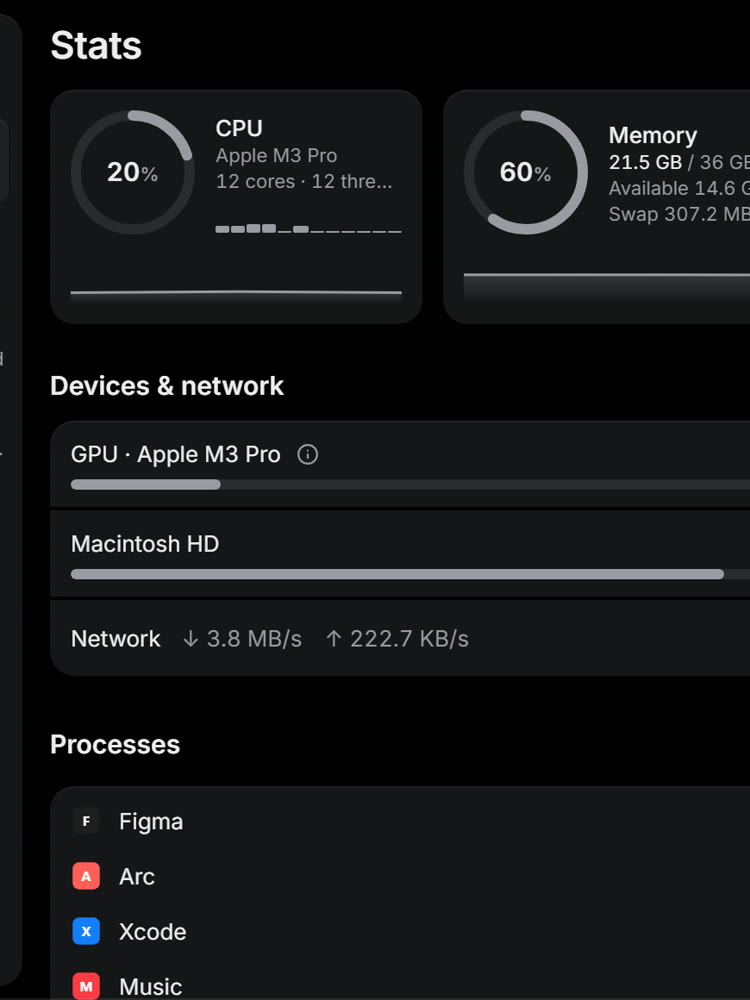
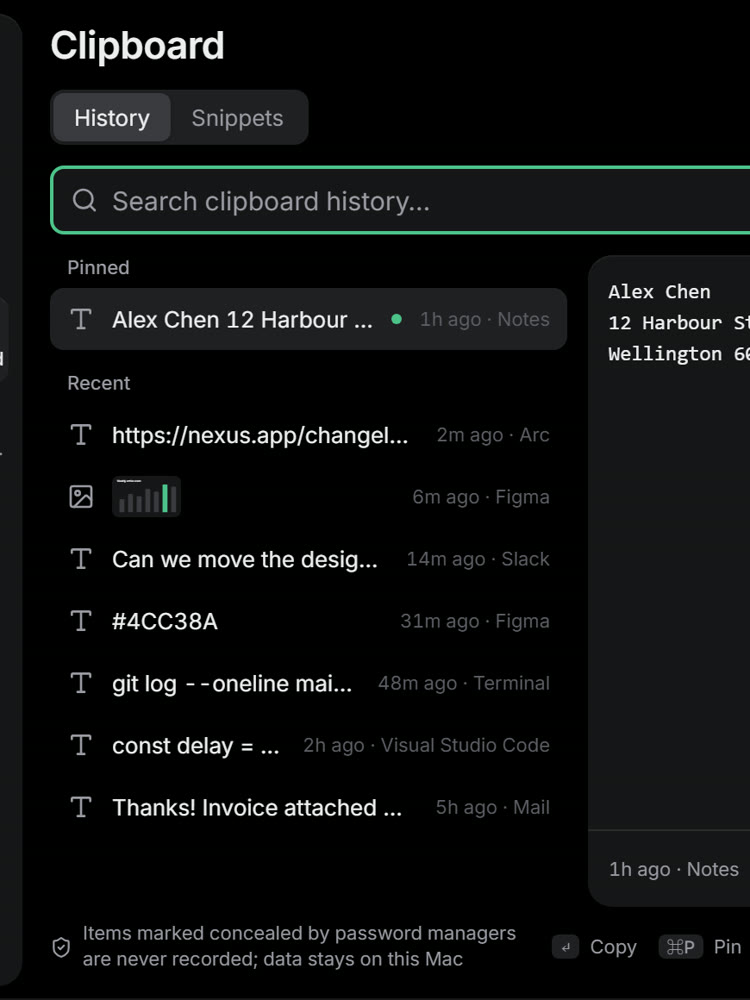
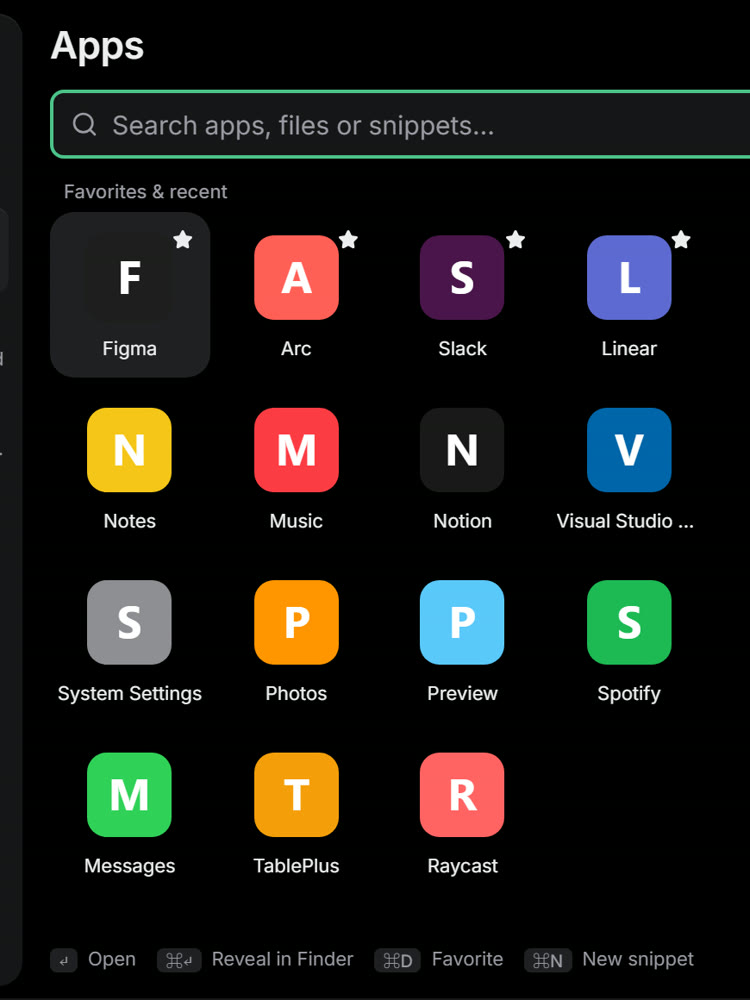
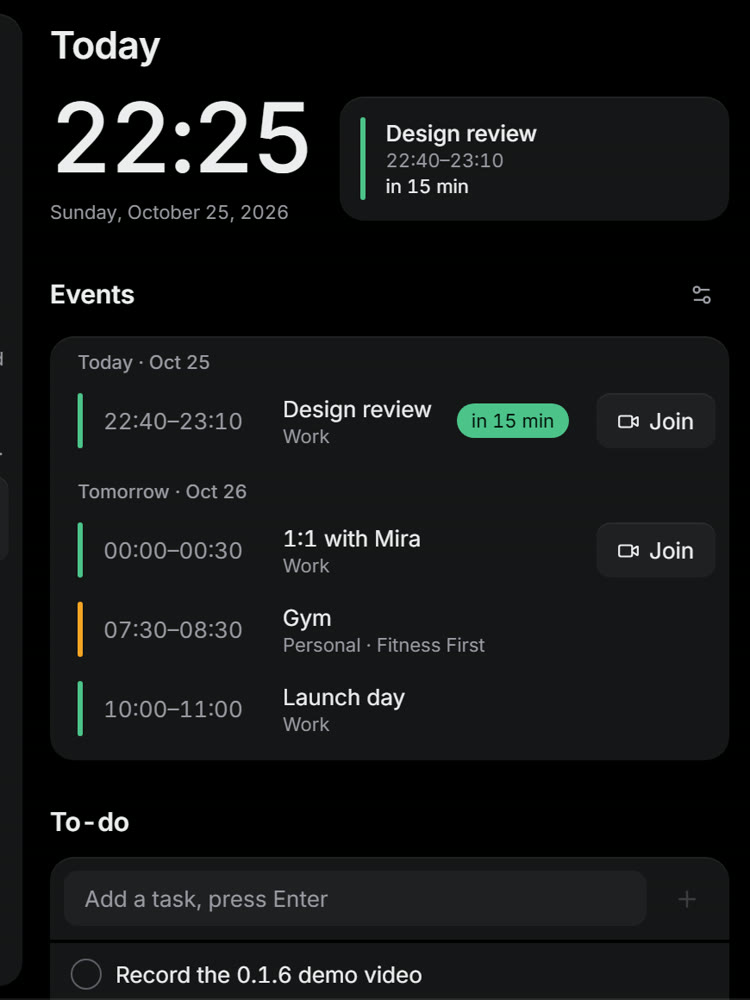
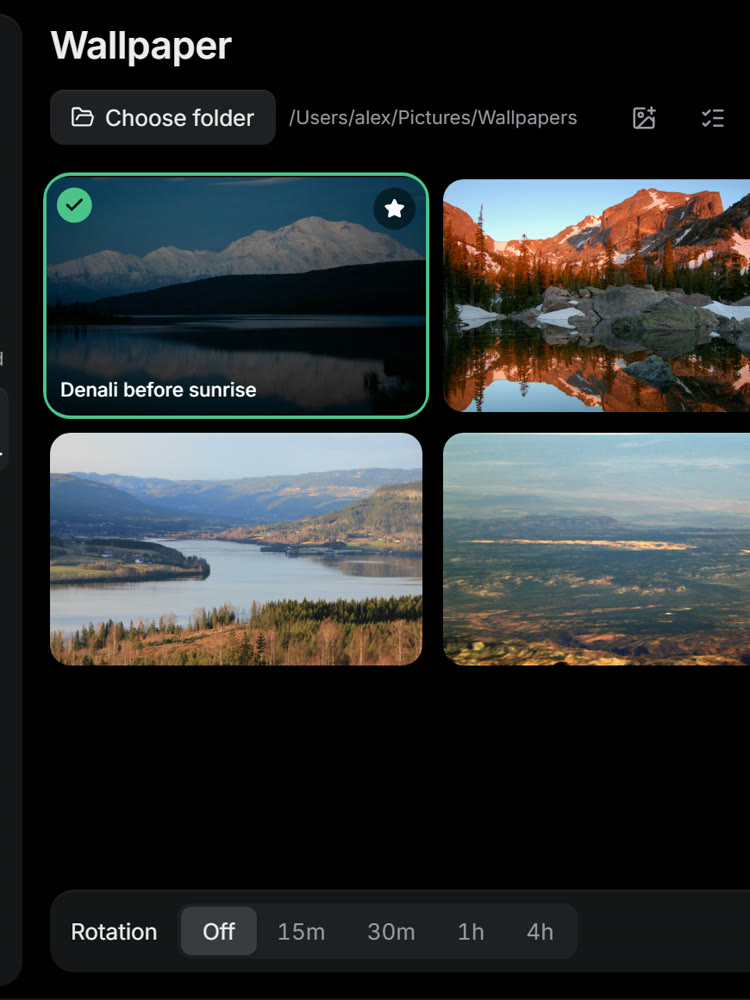
Music, system stats, clipboard, launcher, file shelf, meeting countdown, wallpapers and power. One licence for 3 computers, Mac and Windows. The early-bird price lasts 3 months.
LINE Pay · Apple Pay · Google Pay · Card · ATM transfer · Convenience store

And where each part runs.
macOS 13 or later, Apple silicon and Intel
Windows 10 and 11, 64-bit
Every feature, for two weeks. No card.
NT$0
14 days
Install it, use it at your desk for a fortnight, then decide. If you don’t buy, it simply stops.
Pay once, keep it. No subscription.
NT$290
NT$490 once
LINE Pay · Apple Pay · Google Pay · Card · ATM transfer · Convenience store
One licence covers 3 computers in any mix of Mac and Windows. The early-bird price holds for the first 3 months; after that it is NT$490. Prices in New Taiwan dollars.
My Mac has no notch. Does it work? Yes. On a display without a notch it draws a slim black pill at the top centre, and you can set its size. External displays work too; it moves to the new screen within two seconds of plugging one in.
What does the trial include? Everything, for 14 days, without a card. Buying a licence unlocks the same app; there is nothing to reinstall.
How many computers can I use? 3, in any mix of Mac and Windows. To move a licence, remove a device in Settings and add the new one.
Does my clipboard leave my computer? No. History lives in a small database on your disk and nowhere else. Items marked as concealed by password managers are never recorded, and you can exclude any app. On Windows the history is off until you turn it on, and is kept in memory only.
Will it slow my computer down? When the panel is hidden, monitoring stops. Process lists, GPU and disk scans run only while the Stats tab is open, and every system call has a timeout so the interface never waits on it.
What will macOS ask permission for? Calendar, for the meeting countdown. Automation, to switch dark mode and to control Music or Spotify. A login item, if you want it to start with your Mac. Nothing else.
What is different on Windows? The panel, island and shortcuts are the same, with Ctrl and Alt in place of ⌘ and ⌥. Calendar, brightness, Bluetooth, AirDrop and haptics are Mac only. Updates are installed by hand for now.
How do I pay? LINE Pay, Apple Pay, Google Pay, a credit card, an ATM transfer or a convenience-store code. Your licence key appears on screen the moment payment clears and arrives by email too.
Which languages? English and Traditional Chinese. It follows your choice in Settings, not the system.